
Chaos Veras - Best-in-Class AI Visualisation
For architects and designers. Built in your design workflow.
Get a quoteGo bananas with Chaos Veras
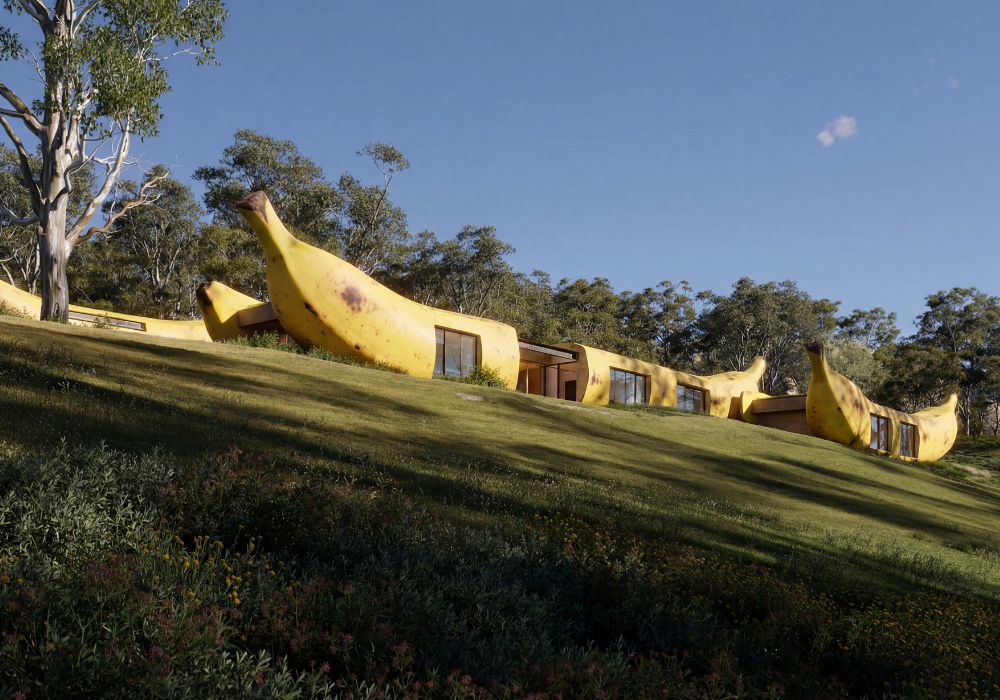
Veras is powered by Google's Nano Banana Pro, delivering better quality, prompt authority, and new ways to visualise your designs. Veras understands architectural intent and enhances your creative process with features like geometry override, image‑to‑video animation and real‑time stylistic exploration.
What makes Veras different from other AI visualisation tools?
Built for AEC-focused workflows
Unlike general-purpose AI tools, Veras is built specifically for AEC workflows, offering features tailored to architects and designers.
3D viewer with material selection
Veras lets users select and render materials or objects directly from the 3D model—enabling more precise, context-aware edits not possible in most other tools.
Seamless BIM integration
Works natively with tools like Revit, SketchUp, and Rhino, using your existing 3D models with no extra exports.
Integration with Enscape
Veras uses the actual 3D geometry and camera views from Enscape, so AI renders are grounded in the real model—not abstract prompts. This delivers more accurate, context-aware visuals than general AI tools.
*Veras features use Chaos Credits. Veras includes a credit allowance that refreshes monthly, and additional credits are available to purchase. Talk to our team if you have questions about how many credits you need. Learn more about credits here.
Who can benefit from Veras?
Chaos Veras is used by:
- Architects
- Interior designers
- Urban planners
Seeking fast, conceptual visualisation without traditional rendering time.
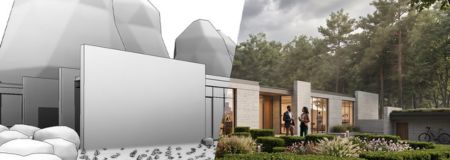
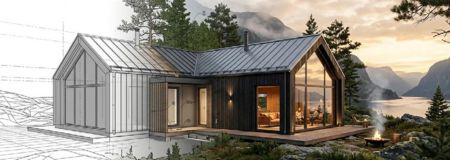
Veras is an AI-powered visualisation tool that enables architects and designers to quickly generate and refine visual concepts directly within design software like Revit, Rhino, SketchUp, and more.
Part of Enscape, V-Ray, and Corona
Veras is now included in all versions of Enscape, V-Ray, and Corona. It can also be used on its own. Contact us if you have questions about which products and plans are the best fit for your team.
Does Veras work with my existing design software?
Yes. Veras is designed to integrate with popular AEC workflows and is available for applications including Revit, SketchUp, Rhino and other supported platforms, as well as through a standalone version. This allows users to incorporate AI visualisation into their existing design process.
Do I need AI or rendering experience to use Veras?
No. Veras is designed to make AI-powered visualisation accessible to architects and designers without requiring specialist AI or rendering skills. Users can provide a model or image, describe the desired result using prompts and quickly generate different visual directions.
How does Veras differ from traditional rendering software?
Traditional rendering typically requires detailed control of geometry, materials, lighting and camera settings to produce the final image. Veras uses AI to help explore visual ideas much faster, making it particularly useful during the conceptual and design stages. It can complement tools such as Enscape and V-Ray rather than replacing the need for detailed production rendering.
What hardware do I need to run Veras?
Veras is designed to work with modern professional workstations and can be used as part of supported design applications or as a standalone solution. Hardware requirements can vary depending on the host application, workflow and version. For the best experience, a modern system with sufficient RAM and a capable GPU is recommended.
What file formats and design models can Veras work with?
Veras is designed to work within supported design applications and can use existing 3D models, views and images as the basis for AI-generated visualisations. The exact workflow and supported inputs depend on the Veras version and host application being used.
How does Veras use AI to generate images?
Veras uses generative AI to interpret the geometry and visual information in your input and generate a new image based on your instructions. Users can control the result through text prompts, image inputs and design settings, allowing them to explore different materials, styles, environments and architectural concepts.
Can I control how closely the AI output follows my original model?
Yes. Veras provides controls that allow users to influence how strongly the generated image follows the underlying geometry and composition. This gives designers the ability to choose between a result that closely follows the original design and a more creative interpretation.
Can Veras be used alongside Enscape and V-Ray?
Yes. Veras can complement traditional visualisation tools such as Enscape and V-Ray. For example, Veras can be used during early design stages to rapidly explore concepts and visual directions, while Enscape or V-Ray can then be used when more precise, controlled and production-ready visualisation is required.
Learn more about Veras and AI in architecture

Veras demo, licence and pricing information
Are you looking for a Chaos Veras licence and want to know how much it costs or how to book a demo?
Pricing
Pricing varies based on the length of the contract and the number of licences requested. Costs may also fluctuate due to Chaos pricing updates.
To receive a free quote with the updated price, fill out the form on the side and we will contact you as soon as possible.
Demo
Book a free demo with our visualisation experts. Fill out the form and we will contact you to schedule your demo.
Why buy from NTI Ireland?
- NTI is one of the largest Chaos partners in Europe (Platinum Partner) and offers all products in the Chaos portfolio.
- Our consultants have backgrounds in AEC and M&E, and understand the unique needs of each industry.
- We support you throughout the entire value chain - from installation and distribution to training and support.
Contact Us

Sales Director
+44 1483 410375